Remove Mustache From Photo
Try our free AI tool to remove a mustache from a photo and preview yourself without facial hair in a few seconds. Get a clean, natural look with smooth, realistic results.
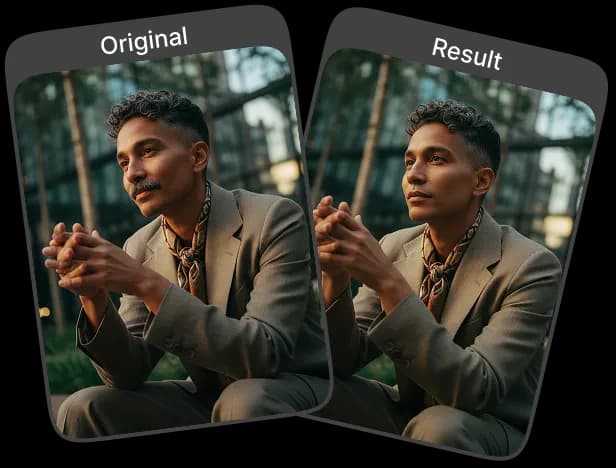
Upload Original Image
or drag and drop PNG, JPG or WEBP
Sample Images





See These Incredible Results
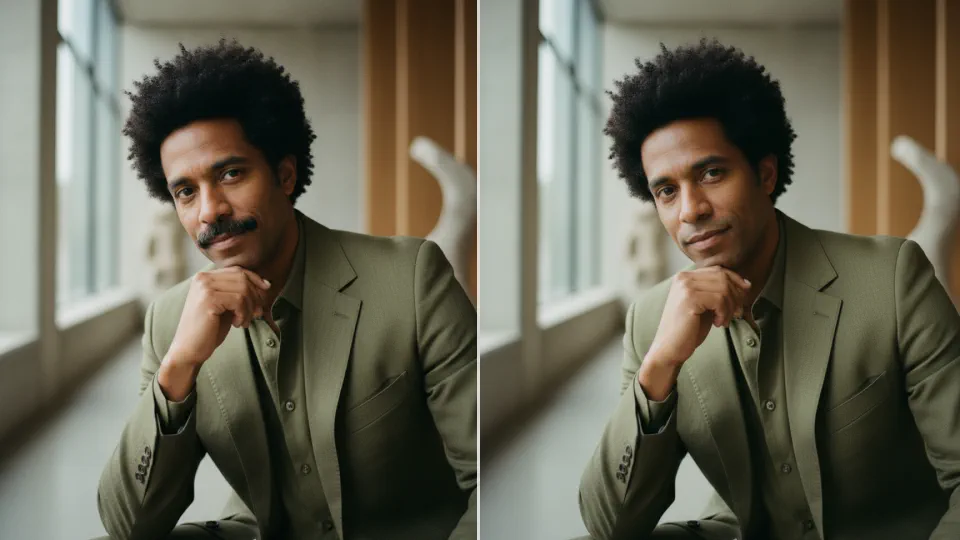
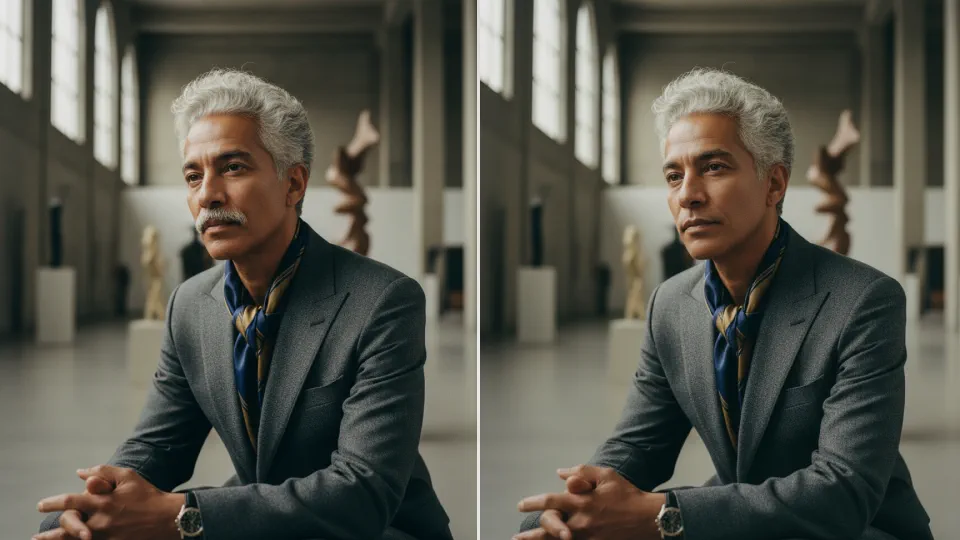
How to Remove Mustache From Photo?
Follow the steps below to get a clean, natural photo without a mustache.
Upload Your Photo
Choose a clear, high-quality photo from your device and upload it to the tool for the best results.
Apply the Mustache Removal Effect
Click on the “Apply Image Effect” button to let the AI automatically remove the mustache from your photo.
Download Your Clean-Shaven Photo
Once the effect is applied, download your clean and natural-looking photo to your device.
Why Users Love It
Instant Clean-Shaven Look
Users appreciate how quickly the AI removes the mustache, giving them a smooth, natural, and clean-shaven appearance in seconds.
Natural & Realistic Results
The tool blends skin tones and facial details seamlessly, ensuring the final edit looks authentic, not overly edited or artificial.
Get High-Quality Result
Our AI delivers smooth, polished, and professional-looking edits, making every photo look refined and well-lit.
No Editing Skills Required
The AI handles everything automatically, making it easy for anyone to get professional-quality results without manual retouching.
Expert Tips for Perfect Results

Use a High-Quality Photo
Choose a clear, well-lit image with good resolution. The AI works best when facial features are easily visible.

Front-Facing Images
Images where the face is directly facing the camera, or slightly angled, produce the most precise and natural-looking results.

Keep Backgrounds Simple
Photos with minimal or uncluttered backgrounds allow the AI to focus on facial features, resulting in cleaner and smoother edits.
Discover Other Popular Image Effects



Frequently Asked Questions
 FaceSwapper
Ship faster with reliable pipelines, actionable insights, and enterprise‑grade controls - all in one platform.
All Copyright reserved @ 2026 FaceSwapper