AI Glasses Filter
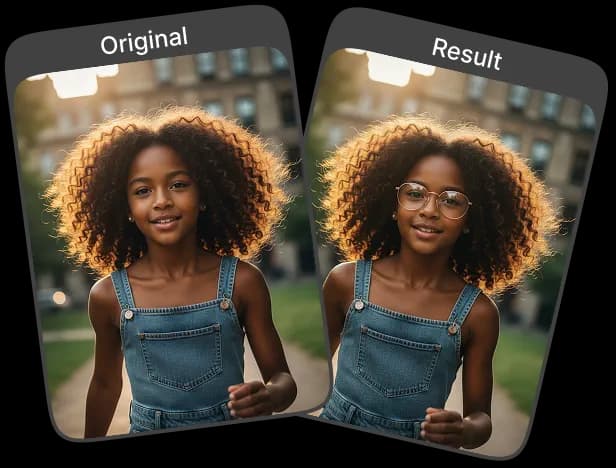
With the AI Glasses Filter, enhancing your selfies and portraits is effortless. Add realistic glasses instantly and experiment with new looks that appear natural.
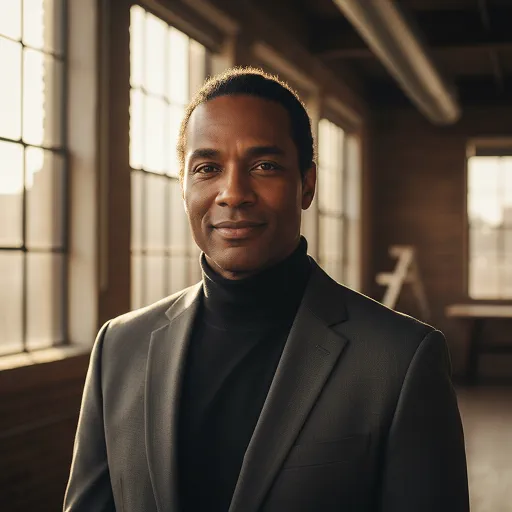
Upload Original Image
or drag and drop PNG, JPG or WEBP
Sample Images




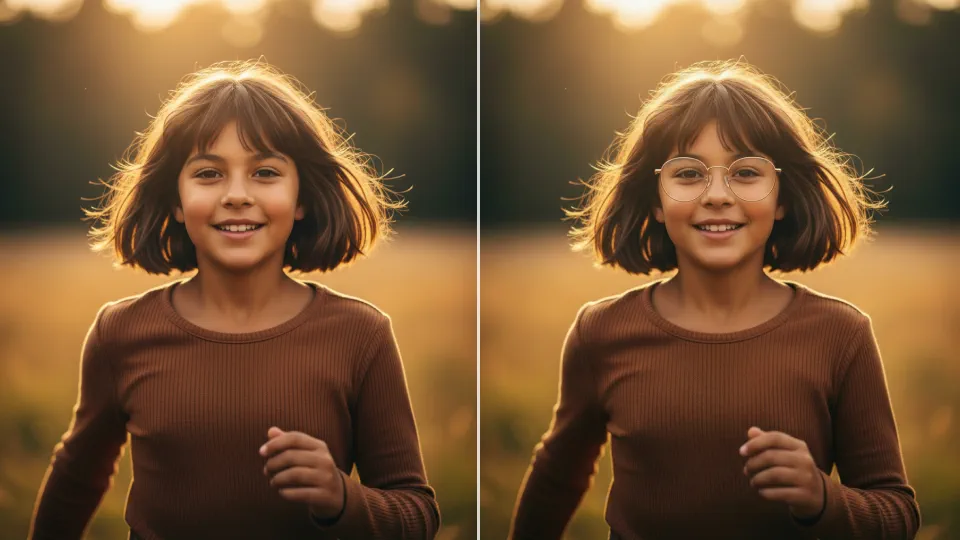
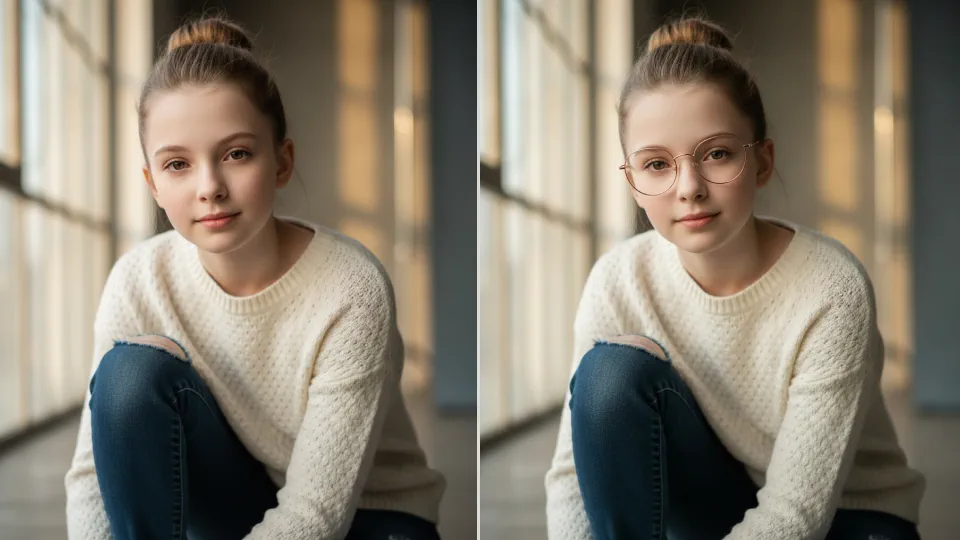
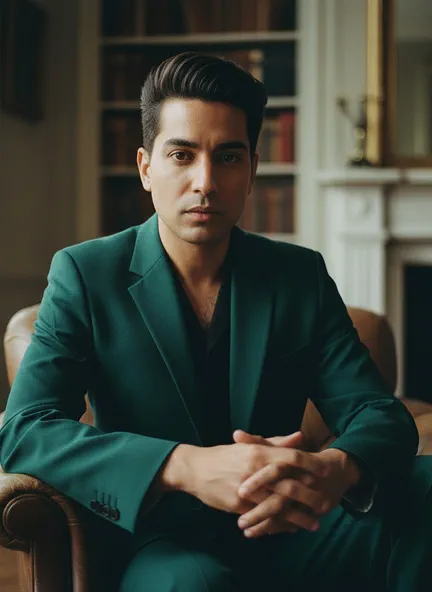
Before & After Transformations
How to Add Glasses to Photo?
Easily add realistic glasses to your selfies, portraits, or profile photos with AI.
Upload Your Photo
Choose a clear, front-facing photo and upload it to the AI Glasses Filter.
Apply Glasses Effect
After uploading your image, click the 'Apply Image Effect' button, and the AI will automatically add the glasses to your photo.
Download or Share
Once the AI applies the glasses, download your enhanced photo or share it directly on social media.
Why This Is the Best Choice
Realistic Results
The AI Glasses Filter adds glasses naturally to your face, delivering a lifelike and polished look for any photo.
Professional-Quality Results
The AI ensures accurate lighting, shadows, and alignment, giving every photo a refined, high-quality finish.
Quick and Easy to Use
Upload your photo, choose a style, and the AI applies the glasses in seconds—no editing skills needed.
Mobile & Desktop Friendly
Works smoothly on both smartphones and desktops, allowing you to enhance photos anytime, anywhere.
Tips for Best Results with Glasses Filter

Use Well-Lit, High-Quality Photos
Ensure your face is clearly visible with good lighting and high resolution for natural, detailed results.

Keep Your Face Clear
Avoid hair, hands, or objects covering your face so the glasses align perfectly.

Minimize Background Clutter
A simple background helps the AI focus on your face for more realistic and precise results.
See Other Cool Image Effects


Frequently Asked Questions
 FaceSwapper
Ship faster with reliable pipelines, actionable insights, and enterprise‑grade controls - all in one platform.
All Copyright reserved @ 2026 FaceSwapper