Add Face Paint to Photo Free
Add colorful and realistic face paint to your photos with Our AI tool. Explore endless design options to transform ordinary images into artistic creations.
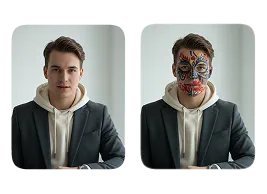
Upload Original Image
or drag and drop PNG, JPG or WEBP
Sample Images


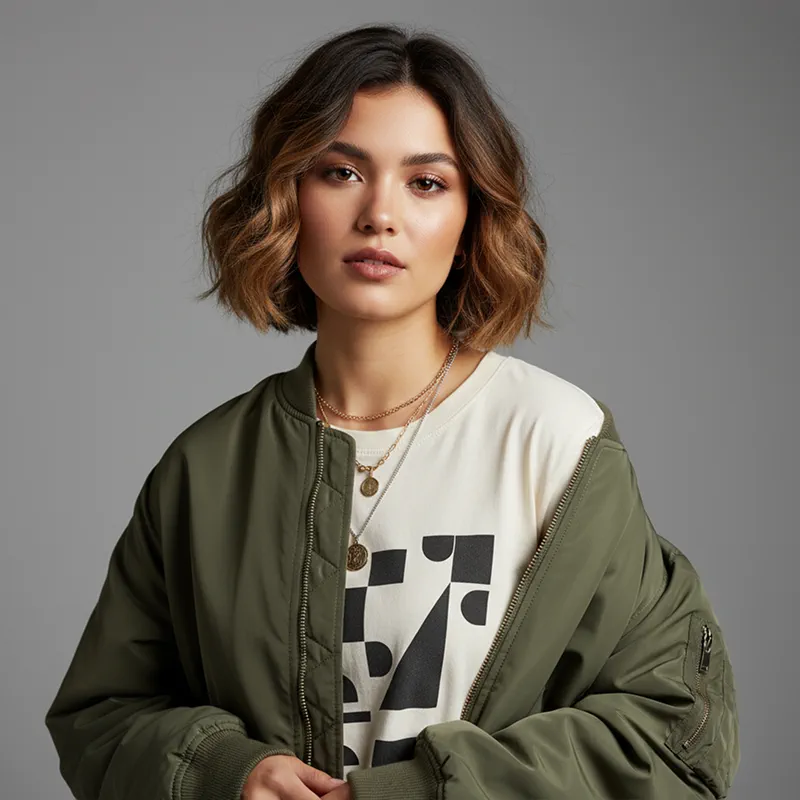


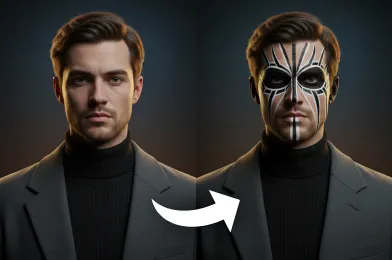
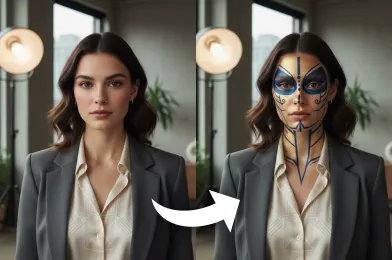
See These Incredible Results
How to Use Add Face Paint to Photo?
Follow these simple steps to apply virtual face paint to your photos.
Upload Photo
First, select and upload the photo where you want to apply virtual face paint.
Apply Face Paint Effect
After uploading, our AI analyzes your face and adds the face paint effect realistically.
Download Image
Finally, download the finished picture to your device or share your creation on social media.
Why People Keep Using It
Realistic and High-Quality Results
Our AI generates lifelike effects that closely mimic real face paint, giving users professional-looking images without effort.
No Artistic Skills Needed
Even users without painting or drawing skills can create stunning, realistic face paint effects instantly.
Saves Time and Effort
AI face paint eliminates the need for messy paints, brushes, or lengthy manual edits, making it quick and convenient.
Safe and Mess-Free
Users can enjoy all the fun of face painting without worrying about stains, allergies, or clean-up.
Expert Tips for Perfect Results

Choose a Clear Photo
Pick a high-resolution image with good lighting and a clear view of the face. This helps the AI accurately place the face paint.

Front-Facing Works Best
Photos where the face is facing forward produce the most realistic results. Side angles may distort the paint effect.

Avoid Obstructions
Hats, sunglasses, or hands covering the face can interfere with proper placement of the paint effect.
Related Popular Image Effects


FAQs About Add Face Paint to Photo
 FaceSwapper
Ship faster with reliable pipelines, actionable insights, and enterprise‑grade controls - all in one platform.
All Copyright reserved @ 2026 FaceSwapper