Add Crown to Photo With AI
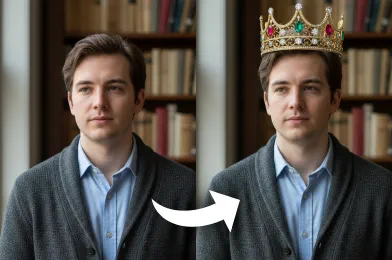
With our AI crown filter, you can add a polished, lifelike add crown to photo instantly. The AI tool enhances your image with a smooth, professional-looking royal effect.
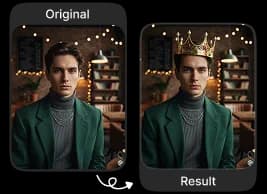
Upload Original Image
or drag and drop PNG, JPG or WEBP
Sample Images

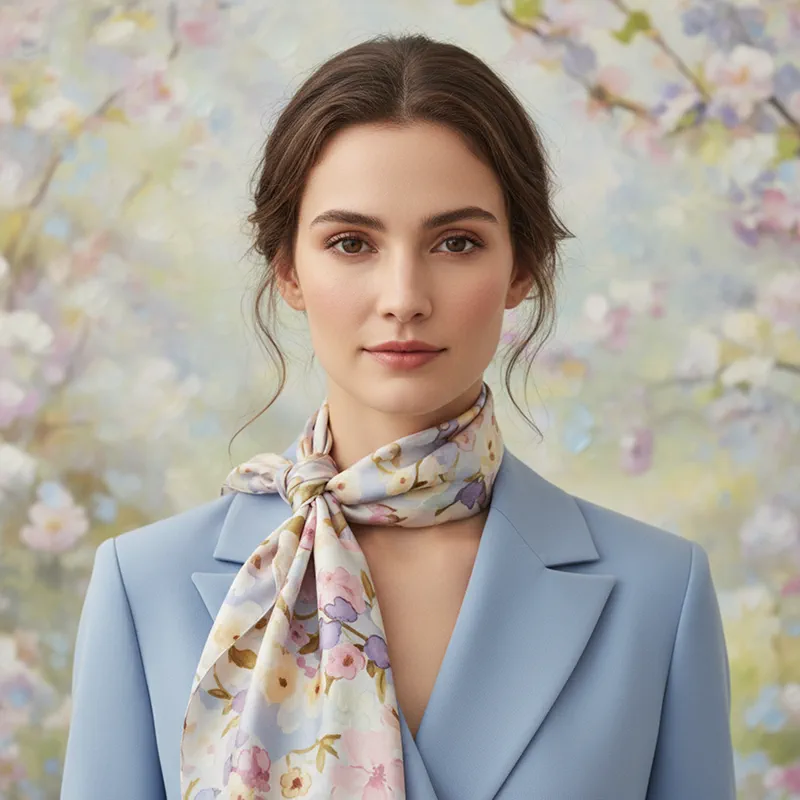

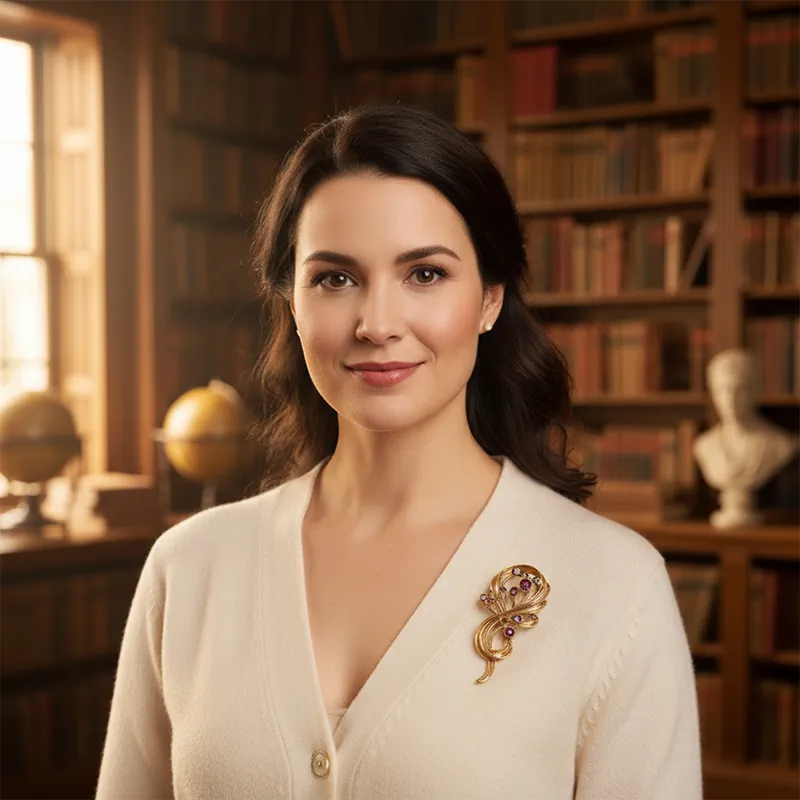

Before & After Transformations
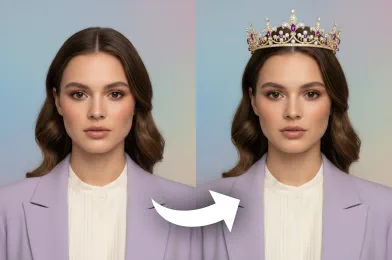
How to Use Add Crown to Photo?
Follow these simple steps to add a royal crown to any of your photos.
Upload Image
Select a clear, well-lit photo from your device to start the crown effect process.
Apply Crown Effect
Our AI automatically detects your face and places the crown perfectly, adjusting size and angle for a natural look.
Download & Share
Once the crown is applied, download your edited photo in high quality to share or save.
Why This Is the Best Choice
Realistic Crown Effects
Our AI generates crowns that integrate seamlessly with your photo, producing a natural and polished appearance.
Quick and Easy
Simply upload your photo and get the crown effect in seconds, with no complex steps or manual editing required.
Easy to Download
You can effortlessly download your edited image without signing up, and explore more photo effects completely free.
High-Quality Output
The AI delivers sharp, clean edits that look professional and visually striking on any platform.
How to Get the Best Results

Choose a Clear, Well-Lit Photo
Good lighting helps the AI detect facial features accurately and blend the crown naturally, producing a realistic result.

Avoid Heavy Filters or Edits
Unedited or lightly edited photos ensure sharper, cleaner crown alignment and more natural-looking results.

Adjust Your Head Tilt Carefully
Slight tilts or uneven angles can affect crown placement. Aim for a natural, straight posture for the best fit.
Discover Other Popular Image Effects


Frequently Asked Questions
 FaceSwapper
Ship faster with reliable pipelines, actionable insights, and enterprise‑grade controls - all in one platform.
All Copyright reserved @ 2026 FaceSwapper