Free AI Fat Filter
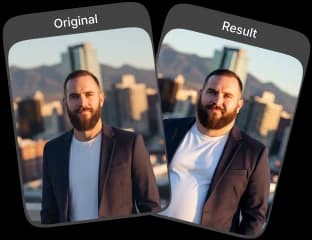
Create fun and realistic fatter body and face images with the AI Fat Filter. Apply AI photo effects for entertaining results instantly with single click.
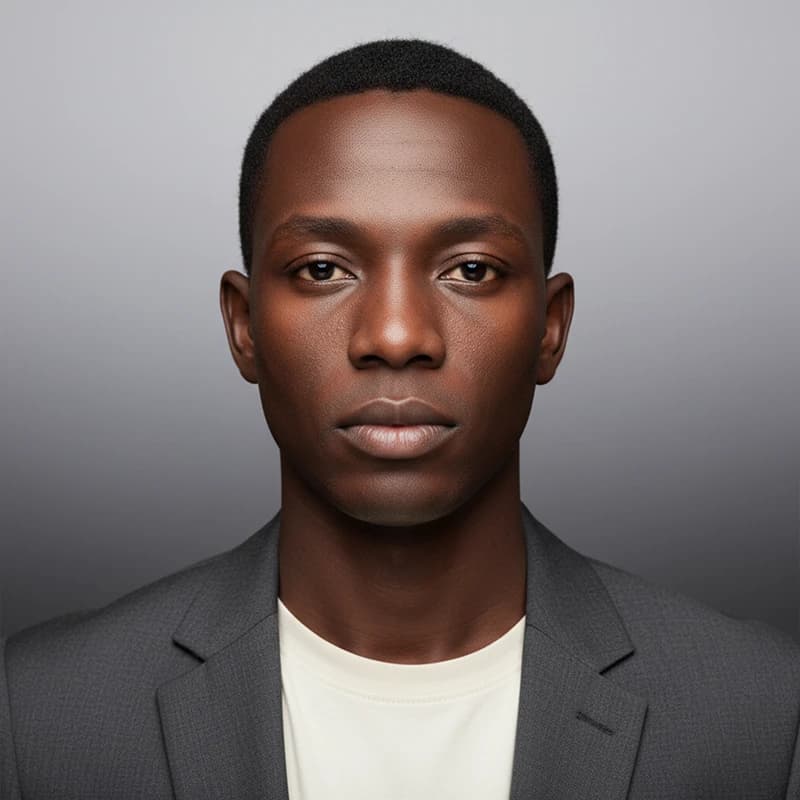
Upload Original Image
or drag and drop PNG, JPG or WEBP
Sample Images




Some Real Examples of Amazing Results


How to Use AI Fat Filter?
Follow these simple steps to transform your photos using the AI fat filter.
Upload Photo
Select and upload the photo you want to modify with the AI Fat Filter.
Apply Photo Effect
Once your photo is uploaded, click 'Apply Photo Effect.' The AI will analyze your image and automatically apply the fat filter.
Get Your Image
Your AI-generated image is now ready. Save it to your device or share it directly with friends.
Why You’ll Want to Use It
Realistic Transformations
The AI Fat Filter creates natural and believable changes to your body and facial features, producing realistic results that look authentic in any photo.
Instant Image Generation
Get your transformed images in seconds. The AI processes your photos quickly, delivering high-quality results almost instantly.
User-Friendly Interface
Designed for simplicity, the tool is easy to navigate. Apply effects and make adjustments effortlessly, even without prior photo-editing experience.
Cross-Platform Compatibility
Use the AI Fat Filter on any device—desktop, tablet, or smartphone. Enjoy seamless performance across multiple platforms for convenience anytime, anywhere.
Pro Tips for Using the AI Fat Filter

Start with a Clear Photo
Use a well-lit, high-res image. Clear photos help the AI Fat Filter apply the effect accurately.

Use Full Body Images
The filter works best with full-body photos. Clear poses and no obstructions give a more convincing result.

Aim for Subtle Adjustments
Apply the effect gradually. Small, subtle changes yield more natural and pleasing results with the AI Fat Filter.
Try More Popular Image Effects



FAQs About AI Fat Filter
 FaceSwapper
Ship faster with reliable pipelines, actionable insights, and enterprise‑grade controls - all in one platform.
All Copyright reserved @ 2026 FaceSwapper