Free AI Sad Face Filter
Apply the AI Sad Filter to any photo and create realistic crying or sad faces. Our AI adjusts facial expressions for lifelike emotional results in seconds.
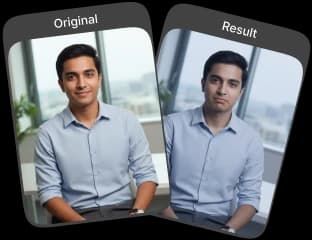
Upload Original Image
or drag and drop PNG, JPG or WEBP
Sample Images




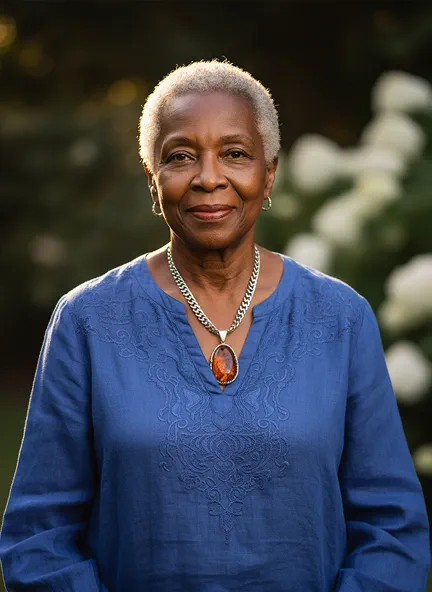
Sample Results That Will Amaze You
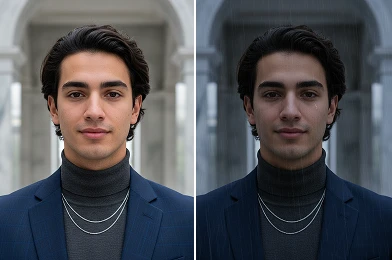
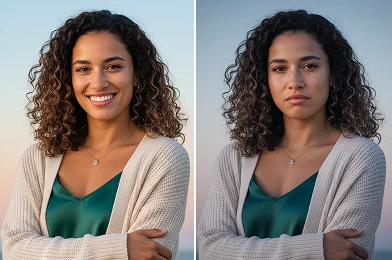
How to Use AI Sad Filter?
Follow these simple steps to apply a sad filter to your photos.
Upload Photo
Select the photo from your device that you want to apply the sad effect to.
Apply Sad Effect
Our AI will automatically detect the face and apply the sad filter to the image.
Download & Share
Save the transformed photo to your device or share it with your friends.
Why You’ll Want to Use It
Get Realistic Results
The AI Sad Filter adds subtle, lifelike emotions to your photos, keeping them natural and convincing.
Simple and Free to Use
No photo editing skills needed. Apply the filter in a few easy steps—completely free.
Maintain Picture Quality
Your edited photo stays sharp and professional, without losing resolution or clarity.
Explore New Moods
Experiment with emotional themes to add depth and storytelling to your images.
Pro Tips for the Best Results

Use a Clear, Well-Lit Photo
High-quality images with sharp facial details give the best realistic results.

Start with a Neutral Expression
Neutral or relaxed expressions produce the most natural sad transformations.

Minimal Obstructions
Avoid sunglasses, masks, or hair covering the face for authentic results.
Check Out Other Trending Image Effects


FAQs About AI Sad Filter
 FaceSwapper
Ship faster with reliable pipelines, actionable insights, and enterprise‑grade controls - all in one platform.
All Copyright reserved @ 2026 FaceSwapper